Nebula
Colour from anywhere


The shape of Nebula
Colour palettes
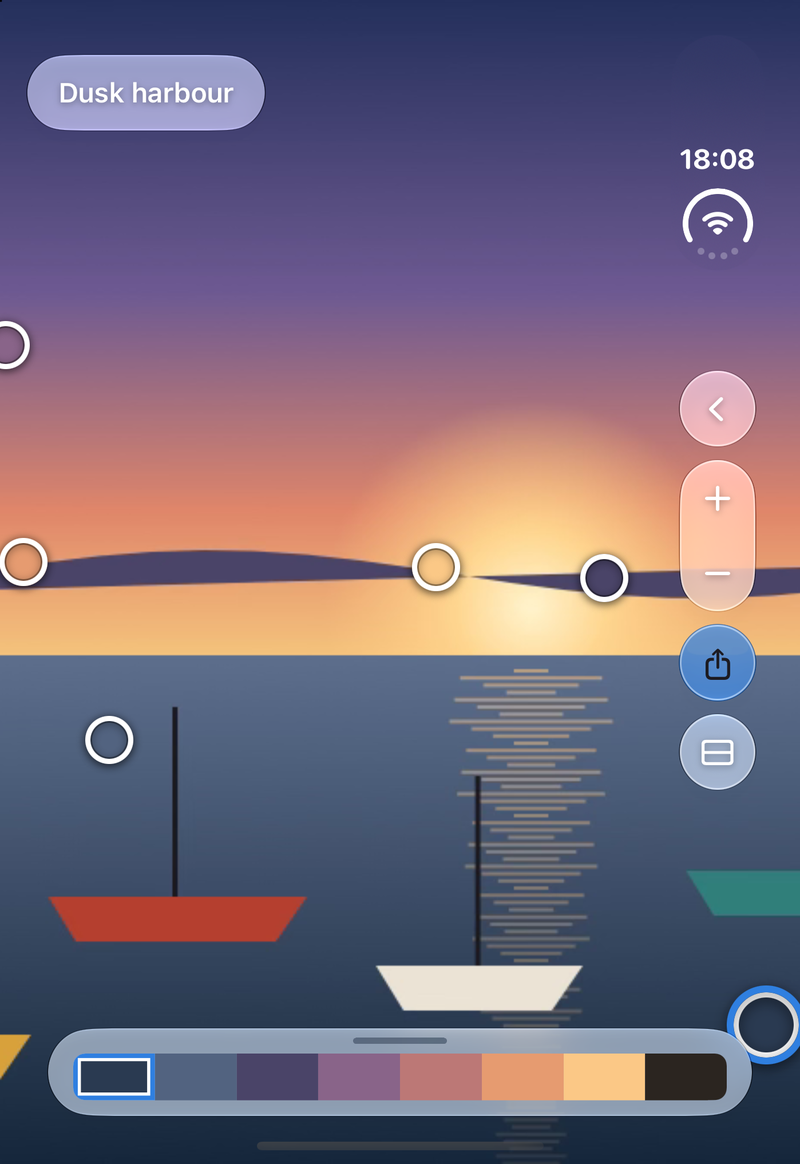
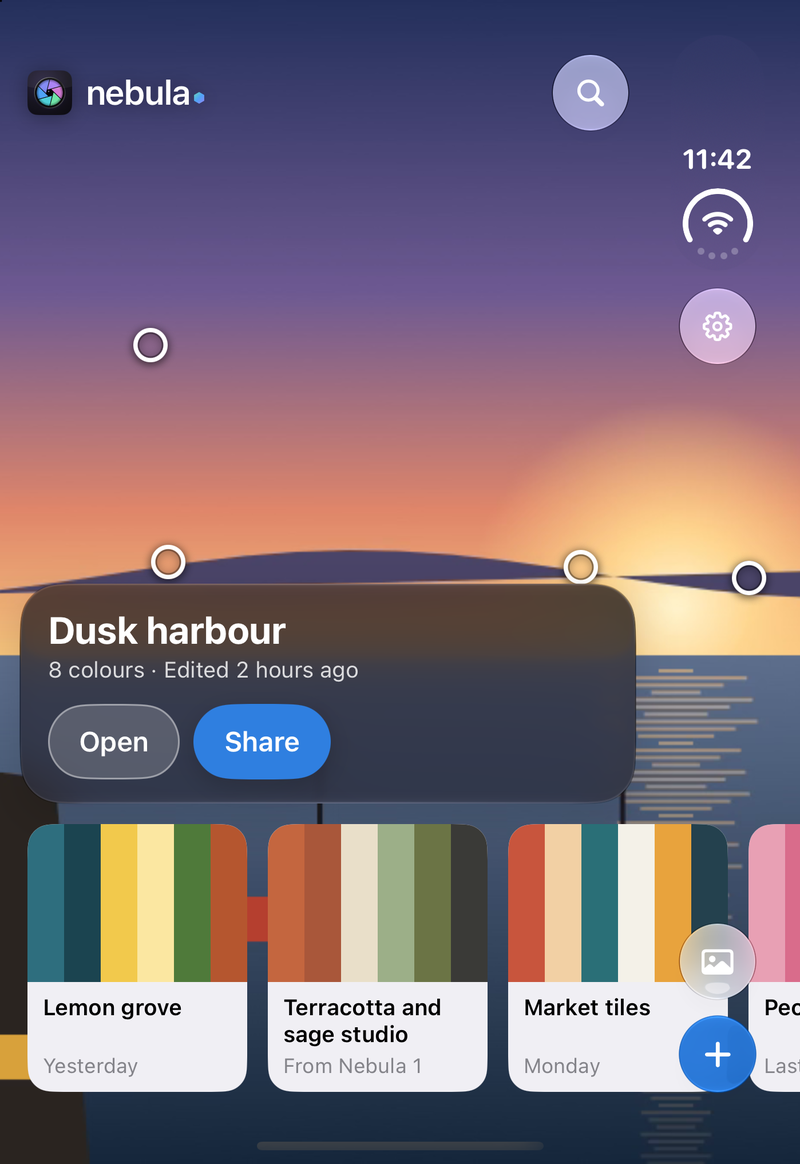
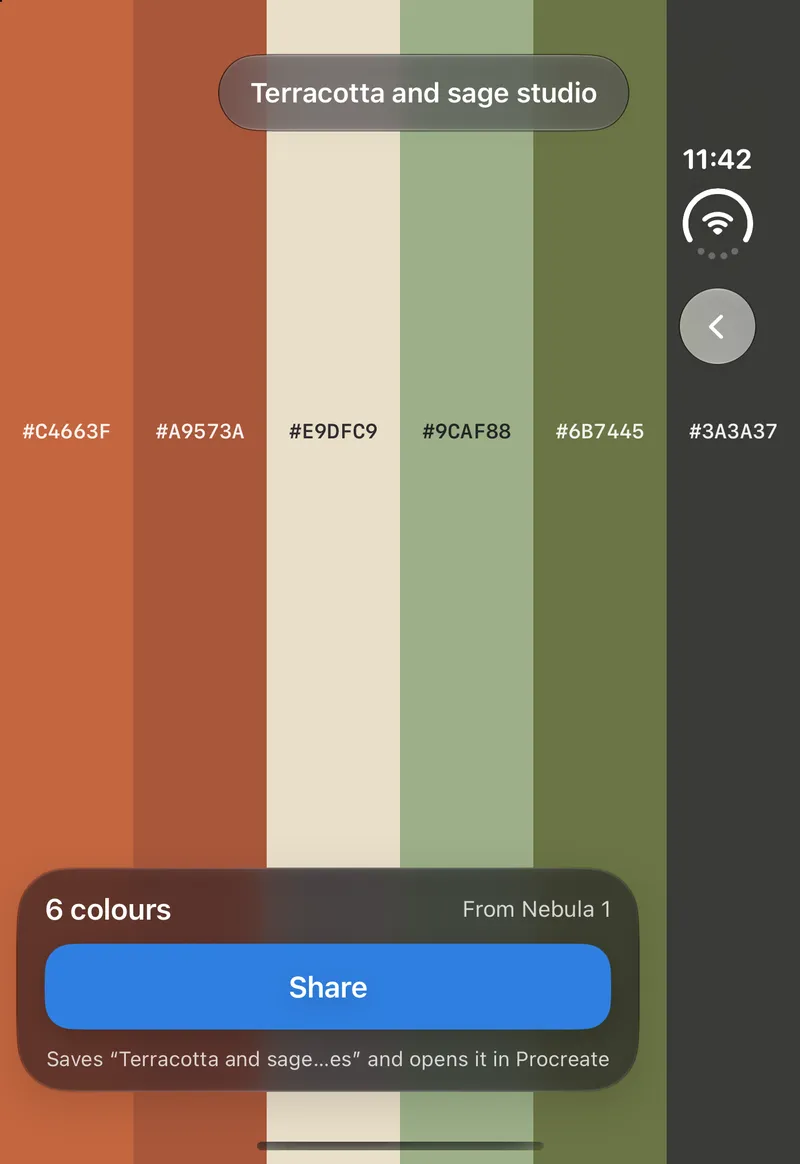
Procreate is free. Adobe, CSS, Swift and hex lists are part of Nebula Pro.
What's inside
Pins on the colours you love
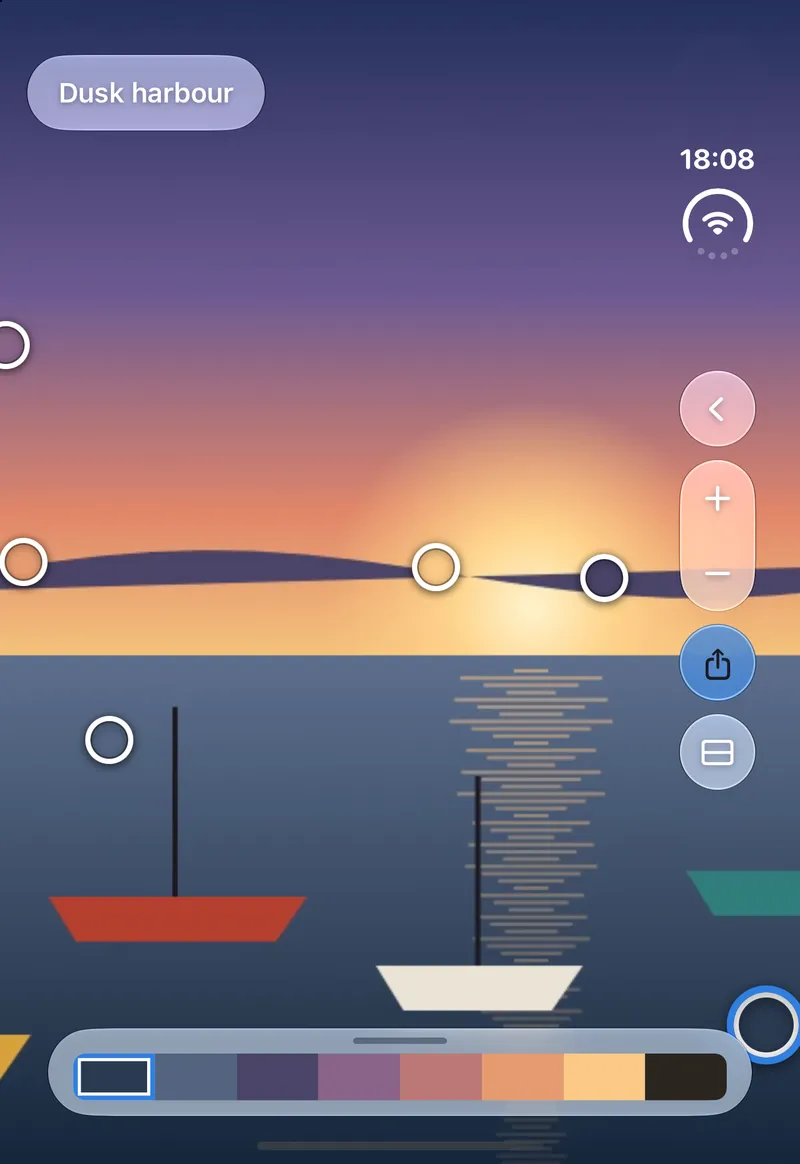
Point the camera at the world, or open a photo. Nebula suggests a palette; drag the pins to the colours you actually want. Each swatch updates as you go.
Straight to Procreate
Send a palette to Procreate in one tap, free. Adobe, CSS, Swift and plain hex lists come with Nebula Pro.
A library that is yours
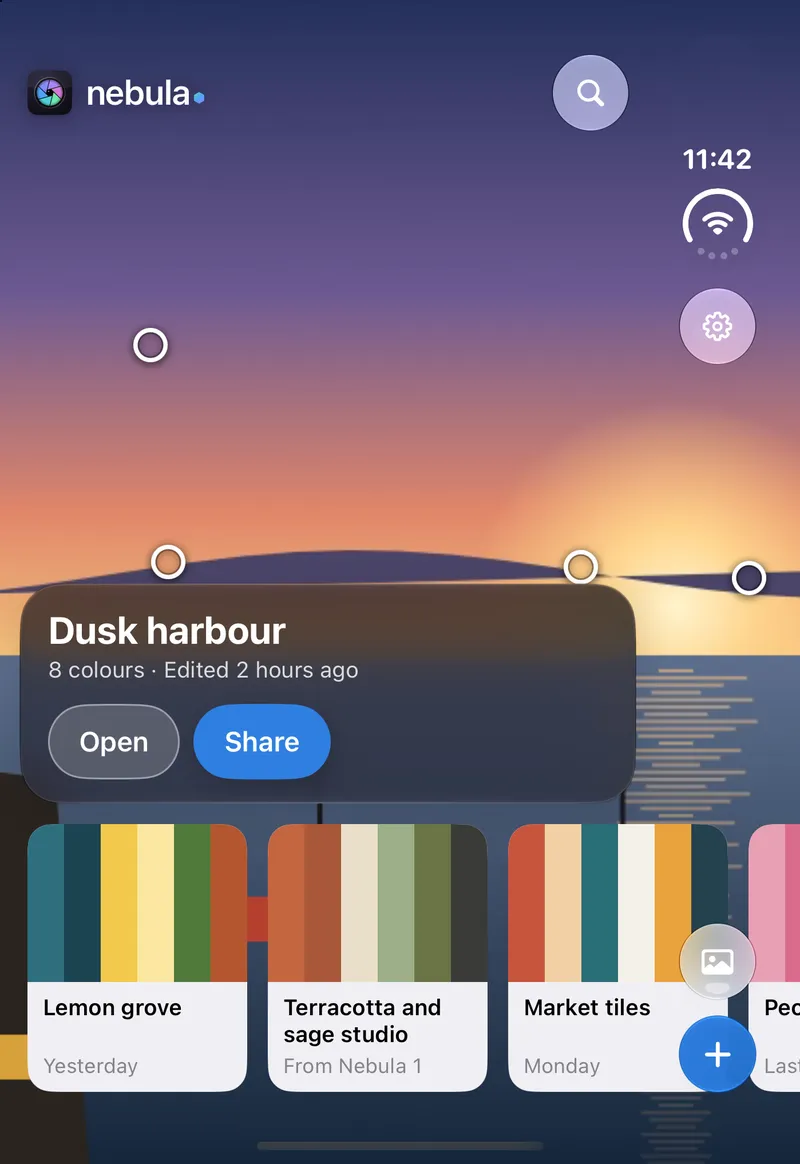
Every palette you keep sits in your library, newest first, with its photo. Star the colours you come back to, and it all syncs through your own iCloud.
Pro is the extras
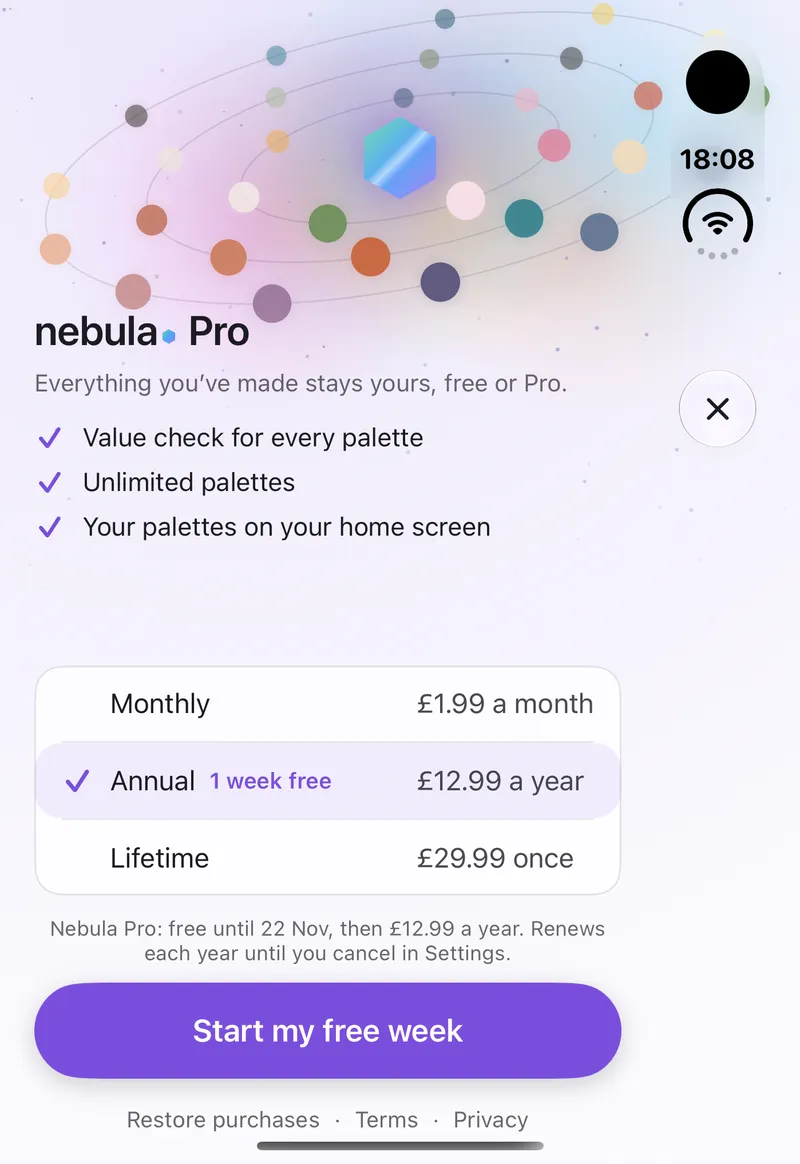
Unlimited palettes, a Value check that shows how light or dark each colour sits, and your palettes on the Home Screen. Everything you have made stays yours, free or Pro.
Every screen, considered
See it. Pin it. Paint with it.
Nebula does one job. A colour catches your eye, you keep it, and it is in your canvas a moment later. The camera and the photo fill the screen, and the palette rests underneath until you want it.