Pocket Note
Write one now. Stack the rest. One note at a time, on your Lock Screen.


The shape of Pocket Note
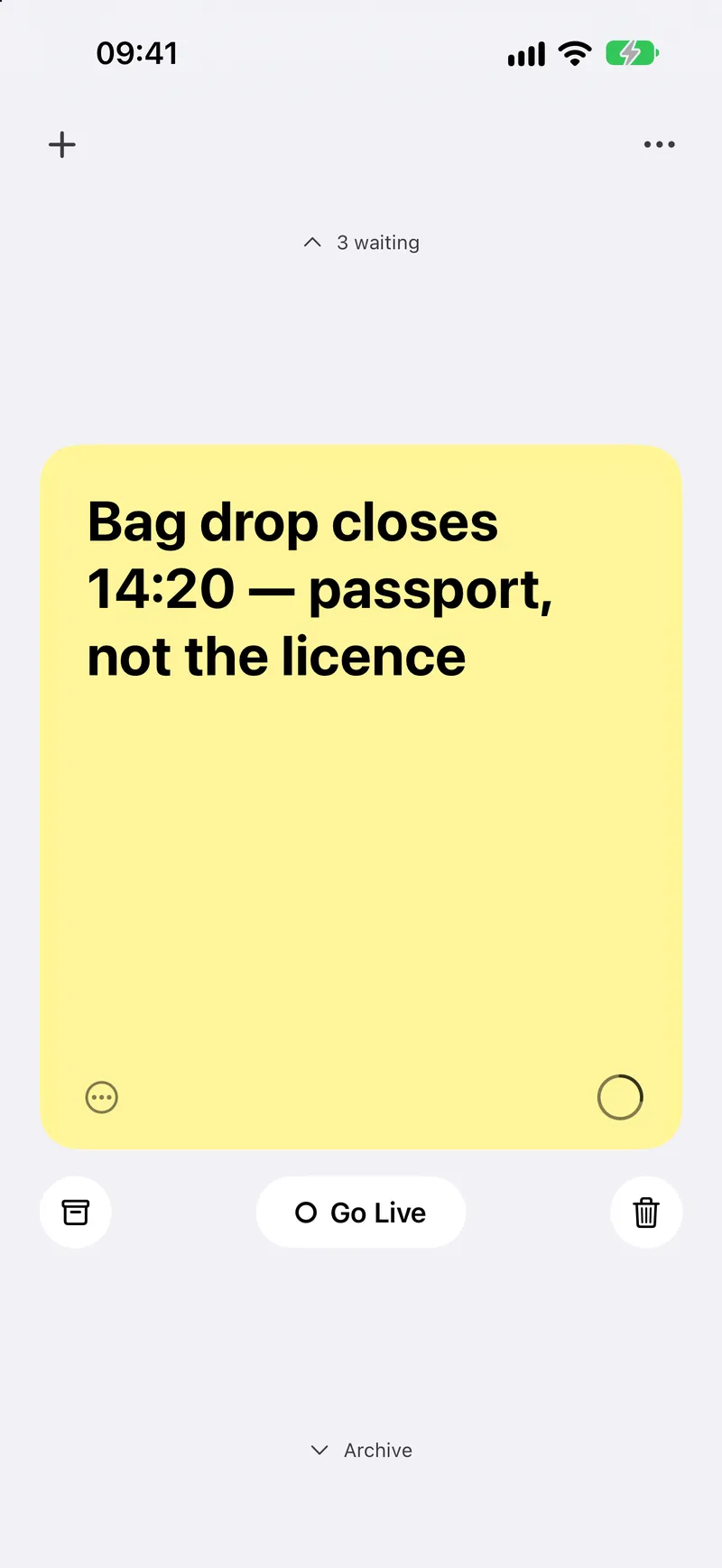
One note at a time
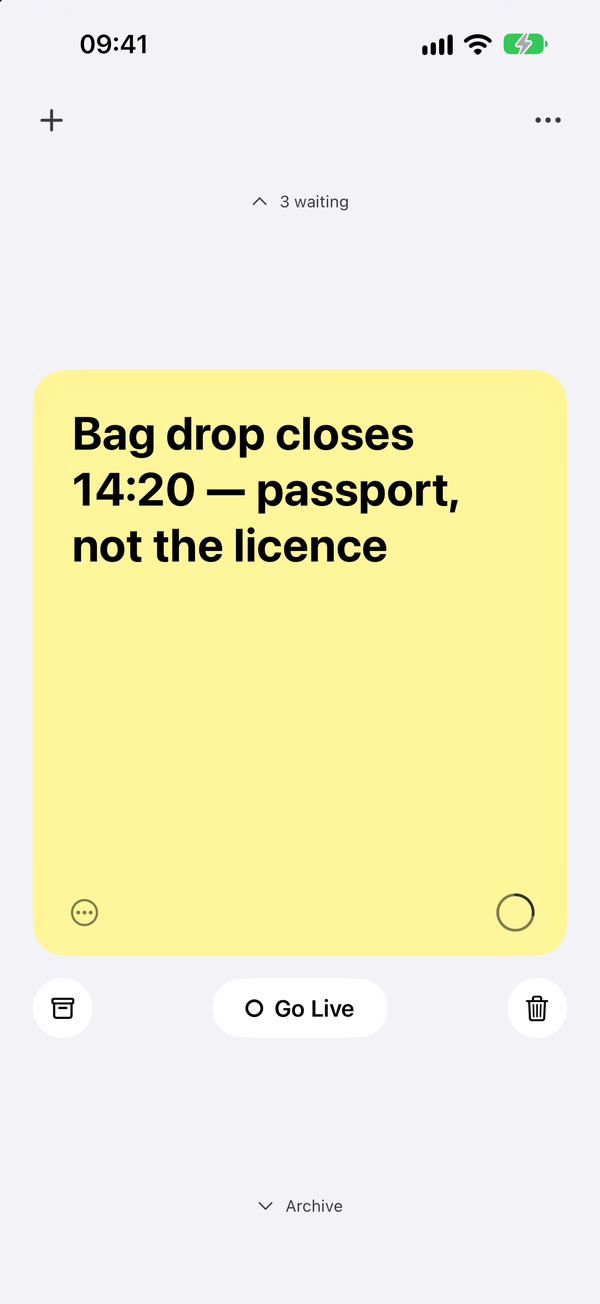
Black and white, with colour only in the paper. Canary is free; the other eleven come with Pro.
What's inside
Just. One. Note.
One card, one thought, and room to breathe. Write straight onto the card; it saves as you type. Tap the archive when you’re done.
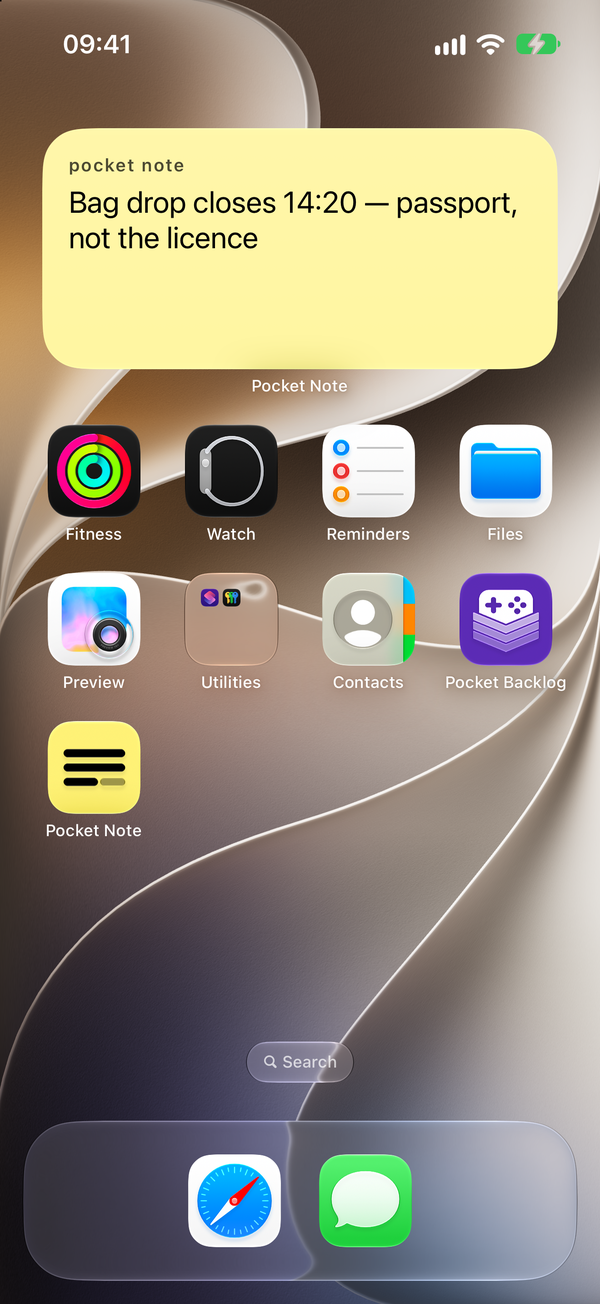
Your note, on your Lock Screen
Go Live puts your note on the Lock Screen and in the Dynamic Island, so it’s there all day. Free for everyone.
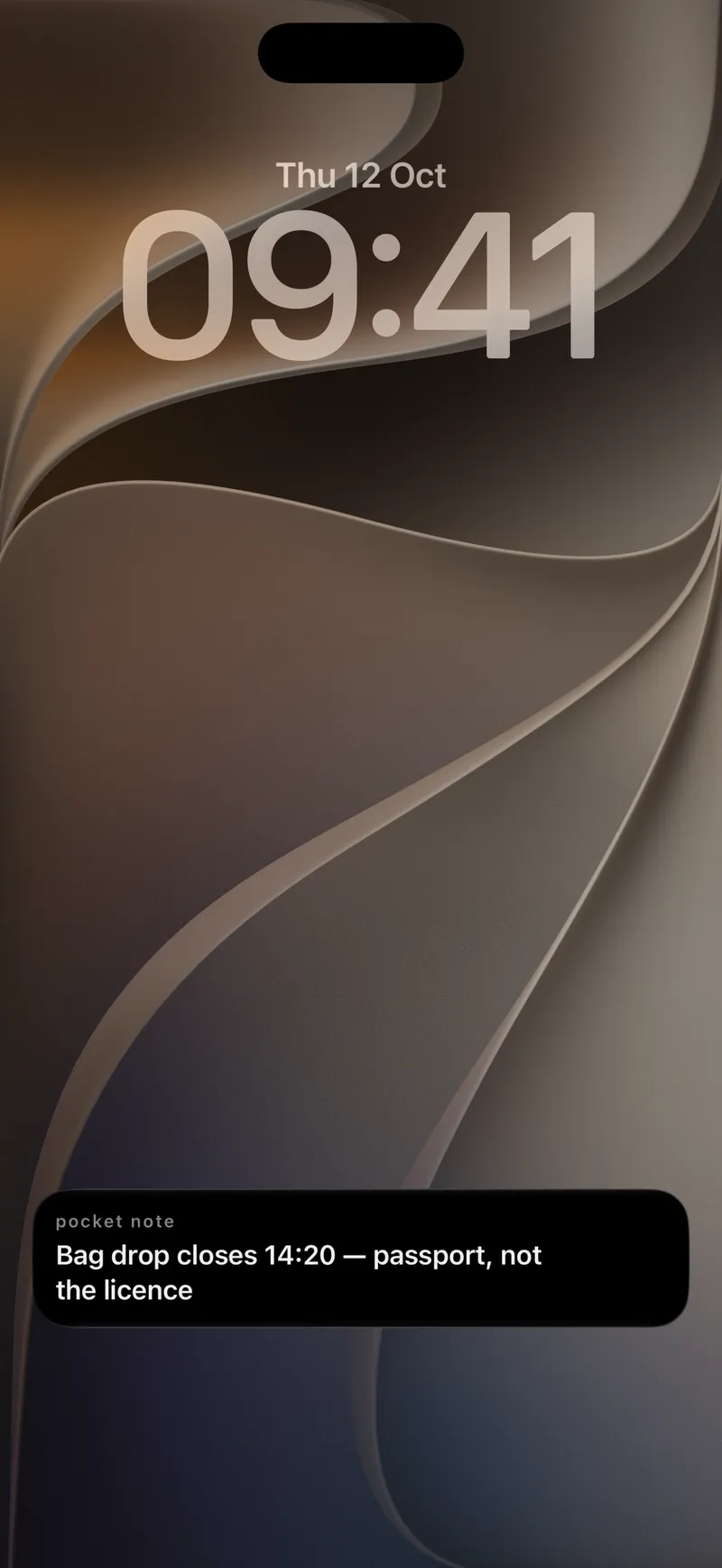
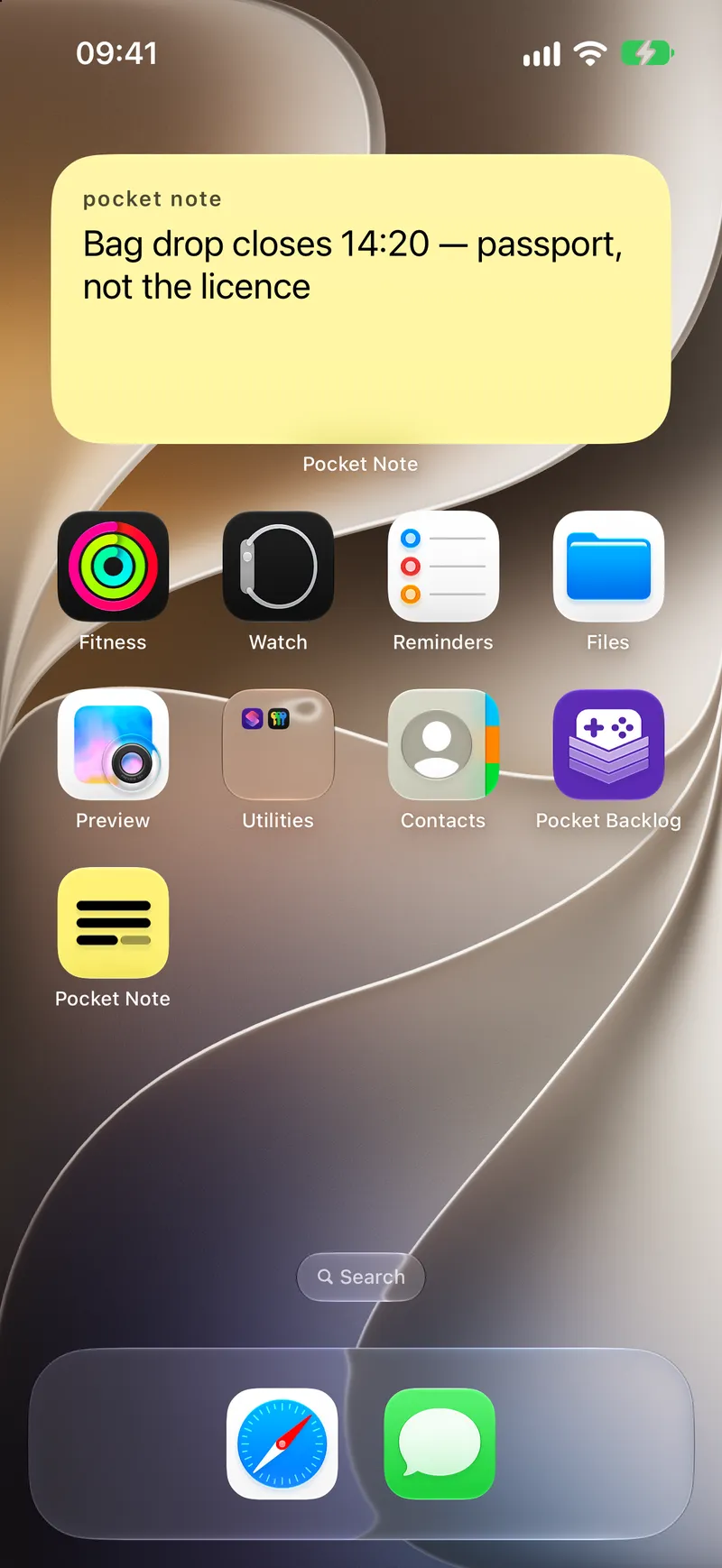
And on your Home Screen
Widgets for the Home Screen and the Lock Screen, always showing the one note you’re holding.
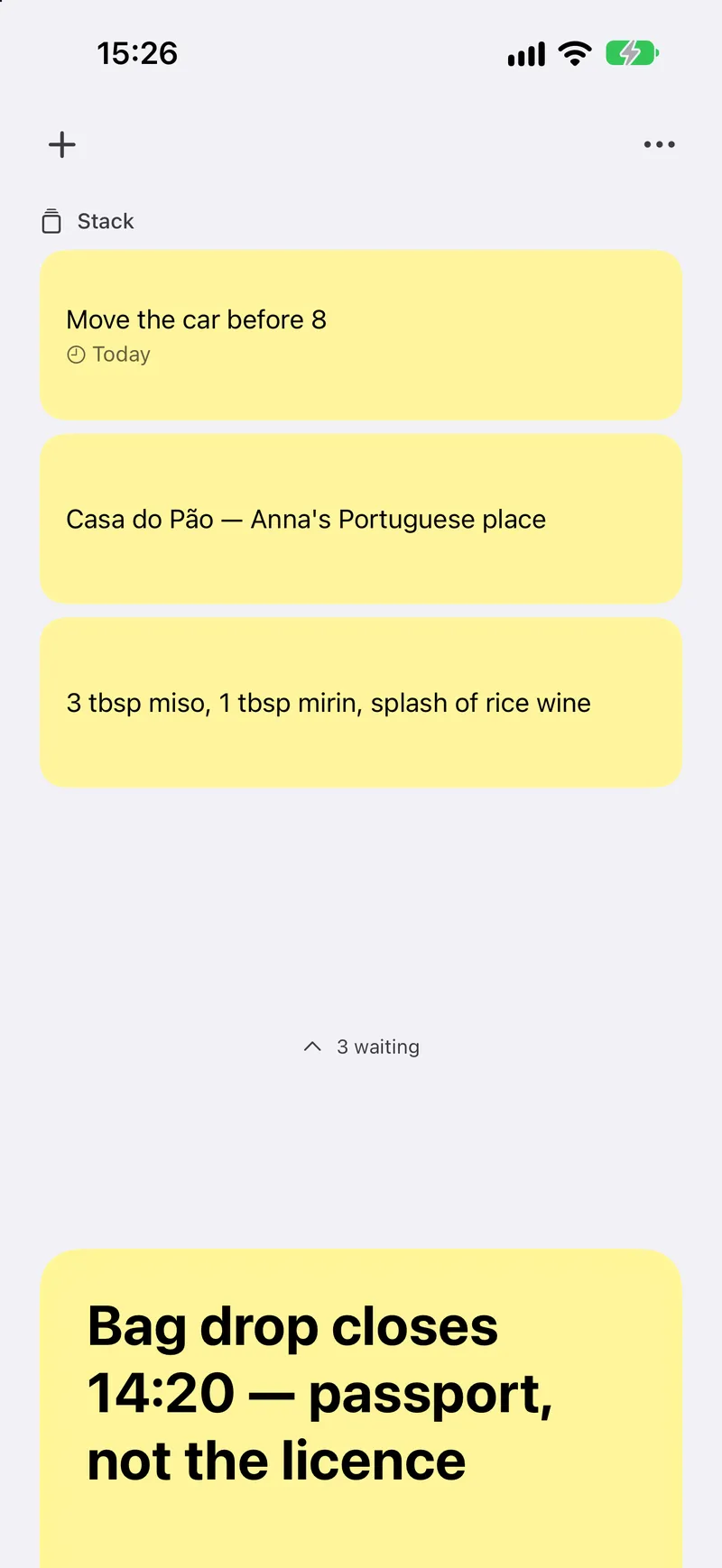
The next thing waits above
Tap + and your note steps back into the Stack, leaving you a blank card. Finish one and the next steps forward on its own.
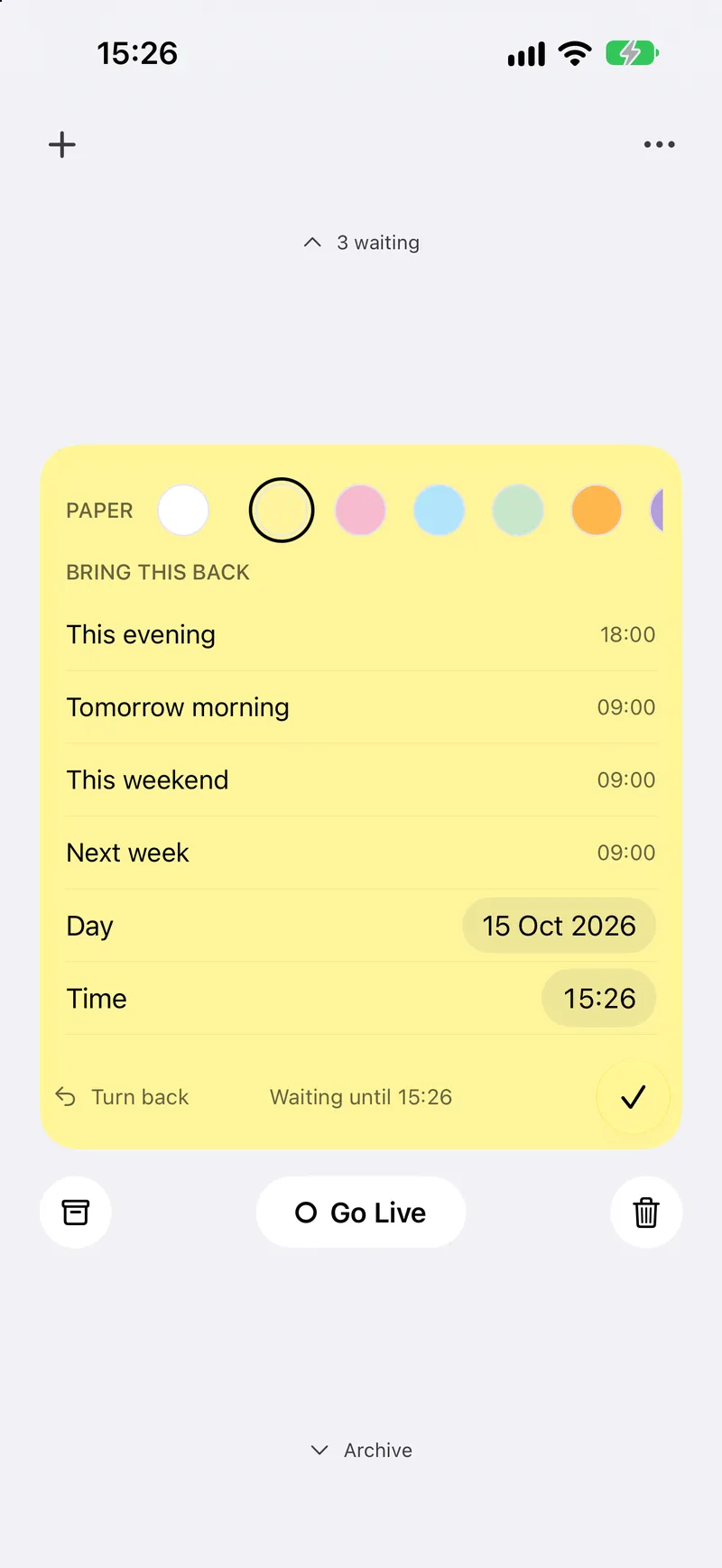
Give it a time and it comes back
With Later, a note in the Stack carries a time and rises to the top when it comes. Part of Pocket Note Pro.
Nothing gets lost
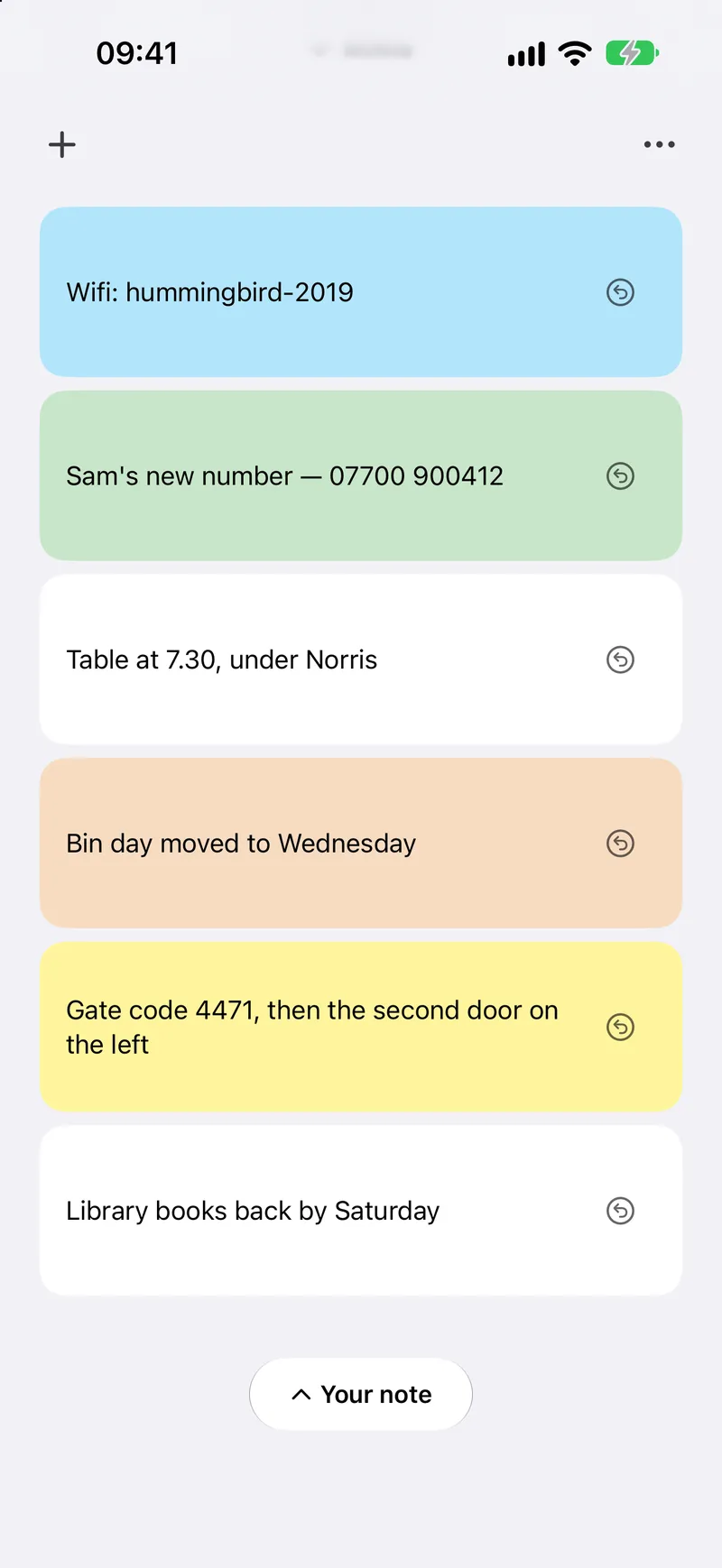
Finished notes rest in the Archive below the card. Restore any one with a tap.
Every screen, considered
One card. One thought.
Pocket Note is black and white, and the only colour is the paper you write on. One note at a time, the rest waiting quietly above, and an Archive that never loses a thing.