Pocket Task is now Pocket Note
Pocket Task set out to be a to-do app that got out of your way. Somewhere along the line it became clear that the best thing it could do was hold one thing for you, and hold it well. So Pocket Task is now Pocket Note. Lists, due dates and priorities are gone. What’s left is one card, one thought, and room to breathe.
Because the app is a different shape, notes and tasks from Pocket Task don’t come across. It’s the same download, and a fresh start.
One card
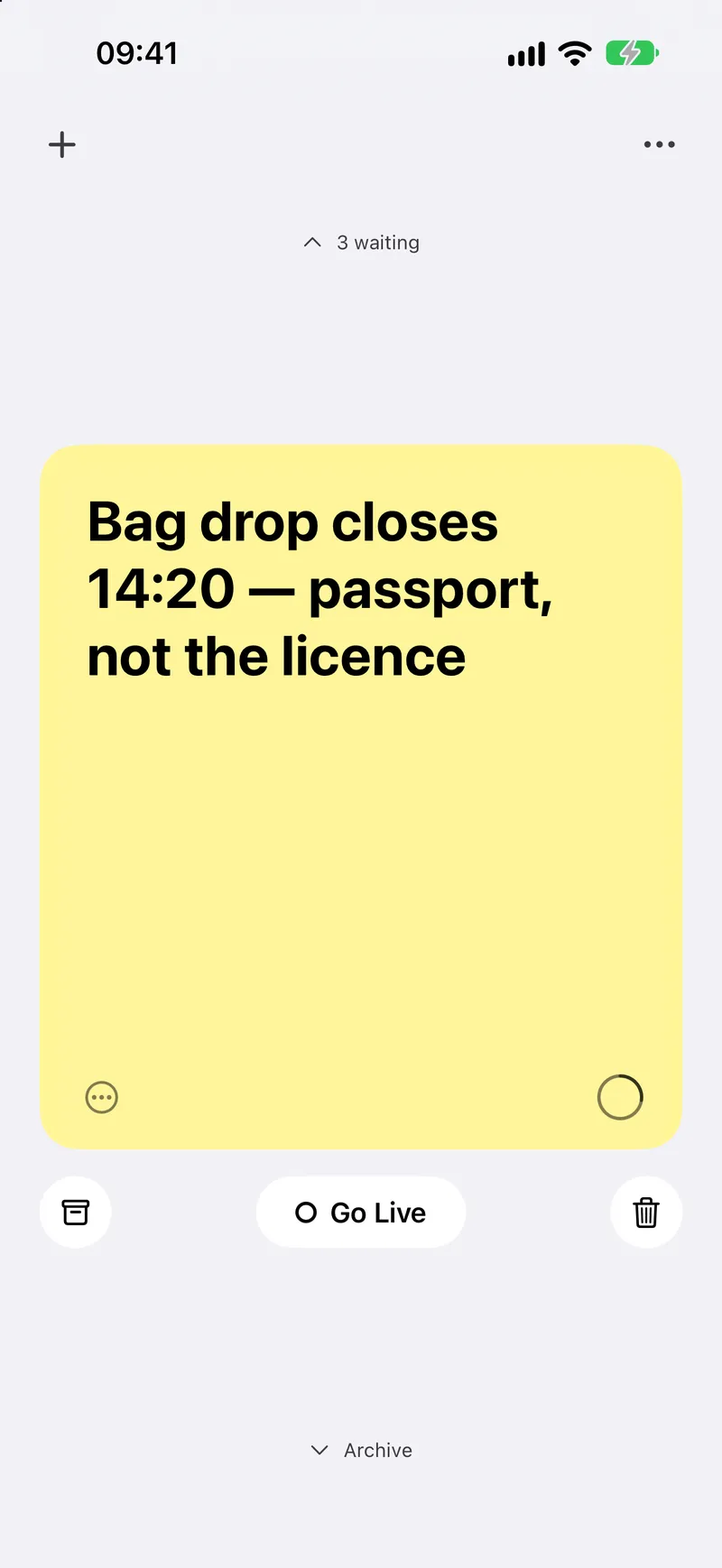
Write straight onto the card; it saves as you type. When you’re done, tap the archive and it’s filed away. That’s the whole app, and that’s the point.
Your note, on your Lock Screen
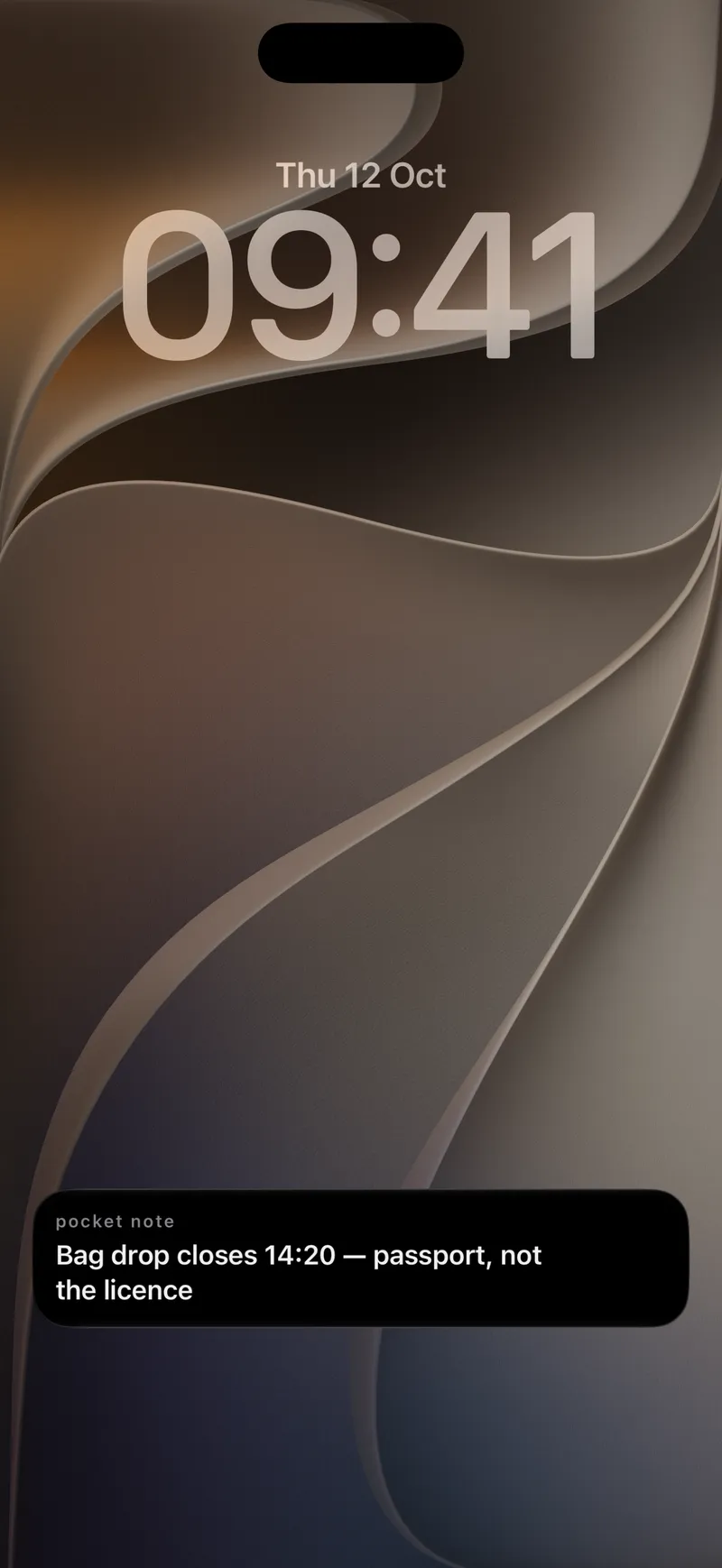
Go Live puts your note on the Lock Screen and in the Dynamic Island, so it stays in view while you get on with your day. It’s free for everyone.
The Stack, and the Archive
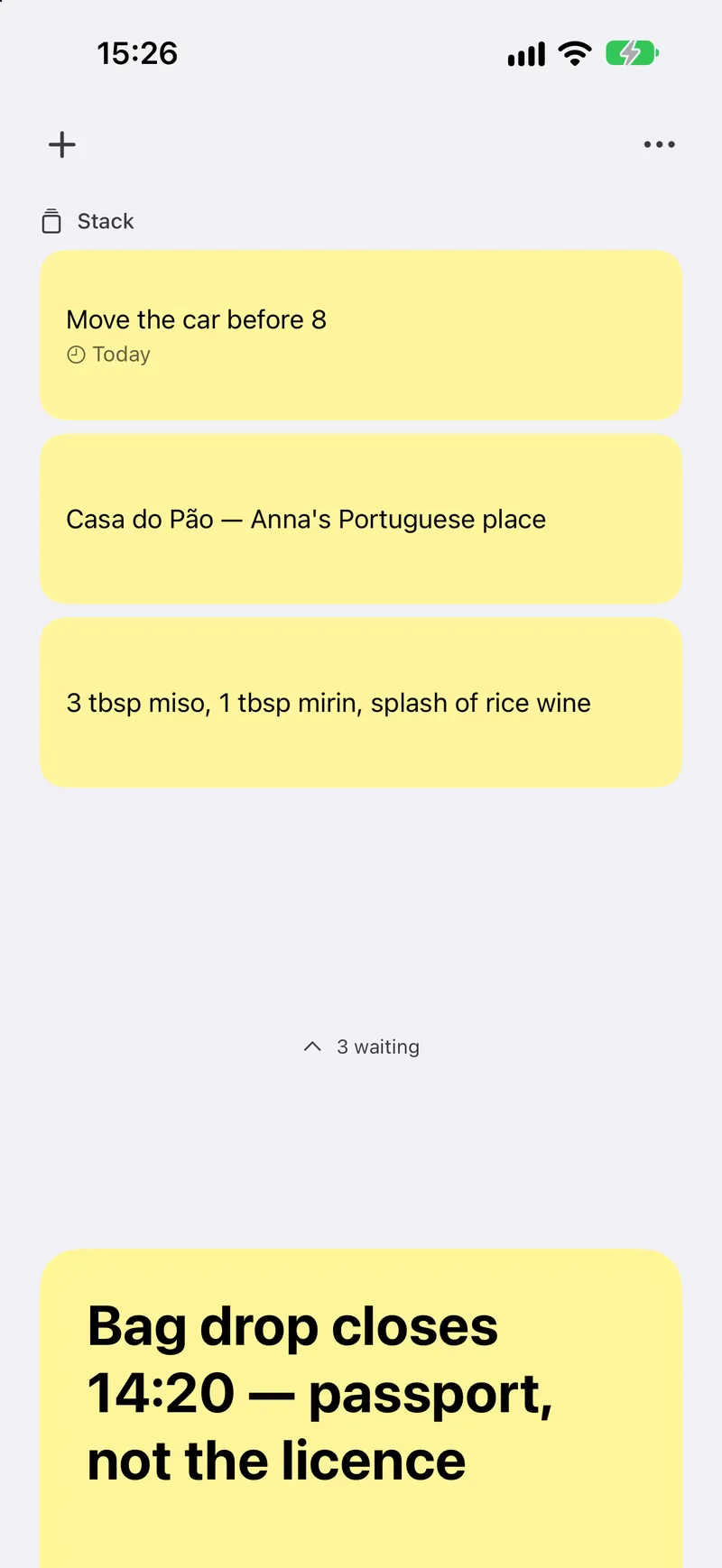
Something else on your mind? Tap the plus and your note steps back into the Stack above, leaving you a blank card. Tap it later to bring it forward again. Finished notes rest in the Archive below the card: scroll down to see them, and restore any one with a tap. Nothing is lost.
Widgets
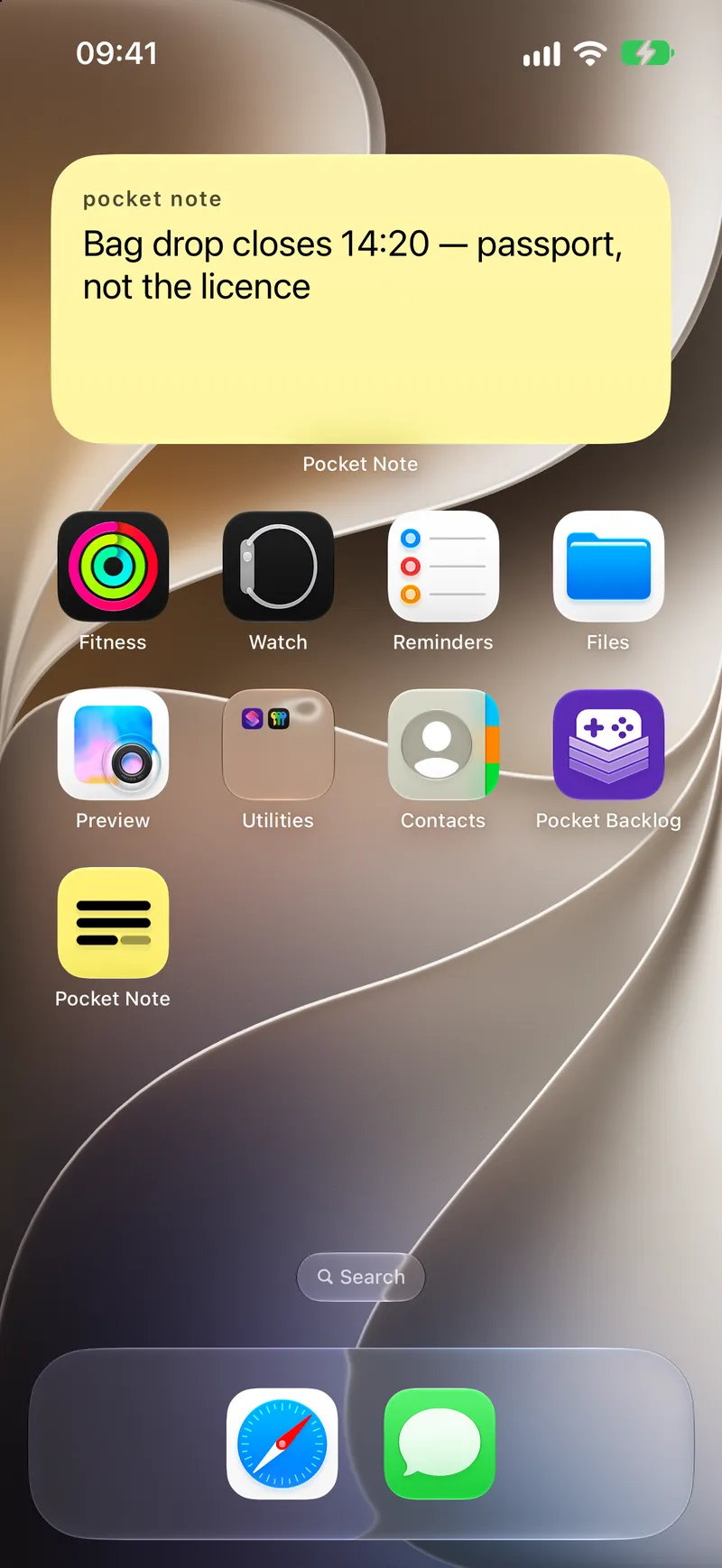
Your note on the Home Screen and the Lock Screen, always the one you’re holding.
Papers, and a new face
Give your note a colour. Tap the plus and pick a paper, or set your usual one in Settings — twelve of them, and the old one peels away when you change it. Canary is free; the other eleven come with Pocket Note Pro.
A new name deserves a new face, too: three lines of a note, on canary yellow. Choose light, dark or match your iPhone in Settings › Appearance, and with Pro, give the icon one of fifteen colours, from Terracotta to Ink.
That’s Pocket Note. Write one now. Stack the rest.